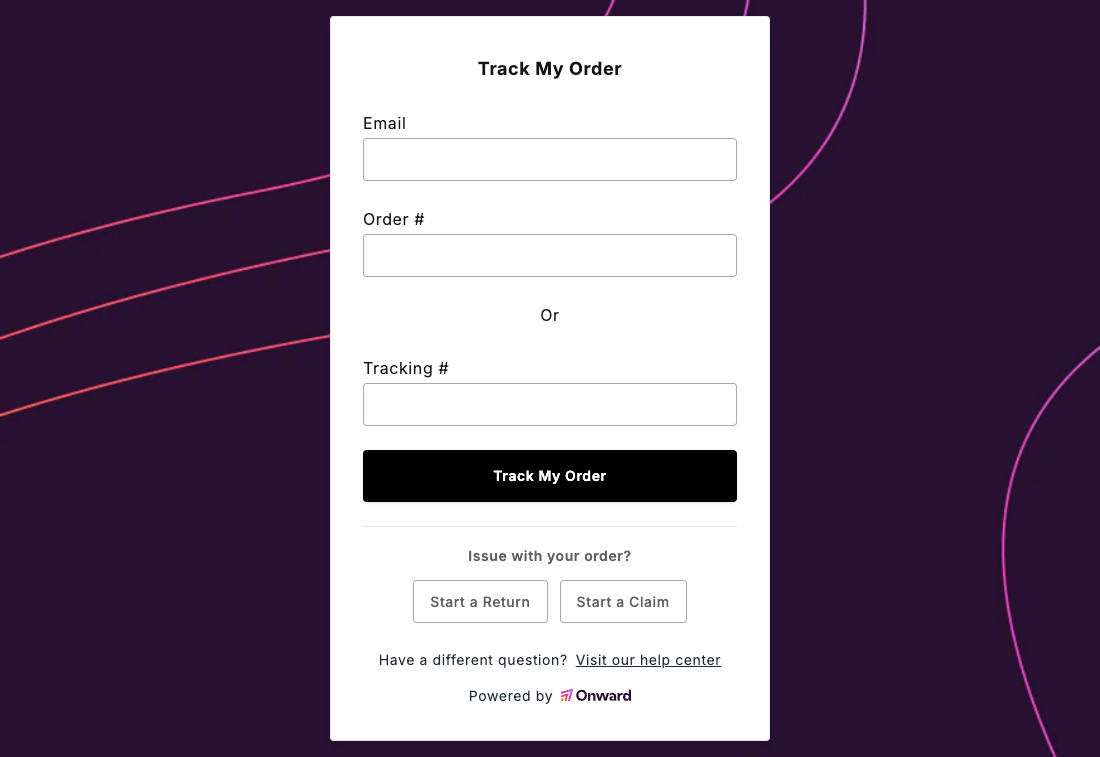
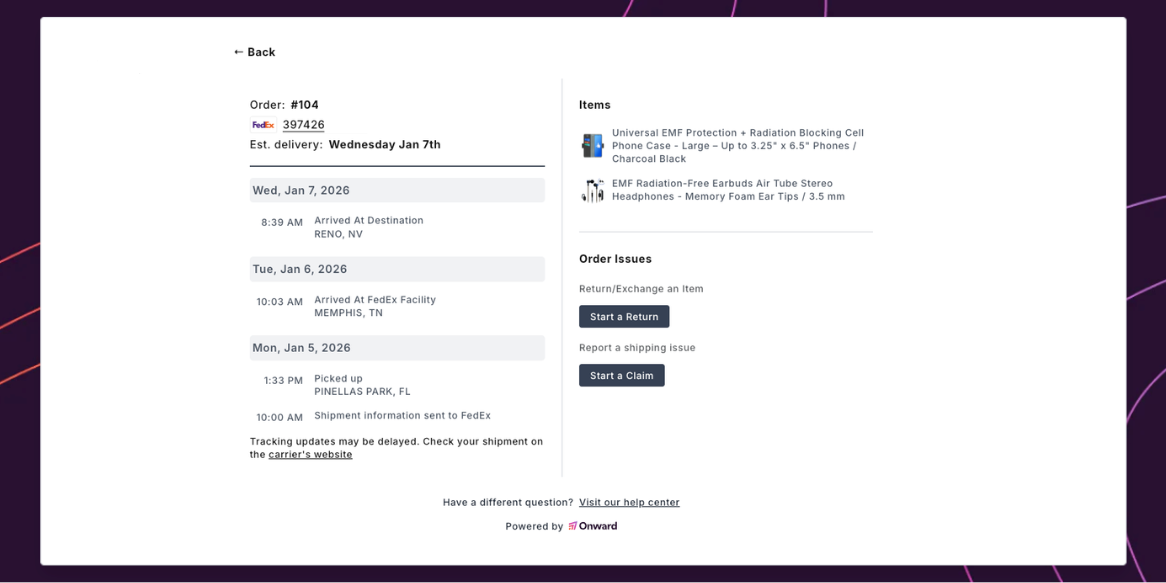
Onward provides a tracking widget that merchants can embed on their storefronts, allowing customers to look up delivery information for their orders. Customers simply enter their email and order number (or tracking number) to view real-time shipment status. For Shopify stores using standard themes, the widget can be added directly to any page. Headless storefronts, on the other hand, can use the underlying Orders API to build custom tracking experiences. The Orders API is the public endpoint that powers the tracking widget. It returns order details including line items, shipment information, and delivery status — everything needed to display a customer-facing tracking page.
The following screenshots show the tracking widget as it appears on a merchant storefront, displaying order lookup and shipment details.
If you're using a headless storefront, you can use the Orders API to build your own custom tracking experience.
- https://app.useonward.comhttps://app.useonward.com/api/order
curl -i -X GET \
  'https://app.useonward.com/api/order?shopify_domain=example.myshopify.com&key=abc123def456&order_number=1001&email=customer%40example.com&tracking_number=1Z999AA10123456784&items_filter=%7B%22requires_shipping%22%3A%22true%22%7D' \
  -H 'Accept: application/json' \
  -H 'Content-Type: application/json'