All API calls are authenticated by providing your API key in the X-API-Key header.
- Log in to your account at https://app.useonward.com
- Navigate to the Onward API tab in your account settings
- Copy your API Key and store it securely
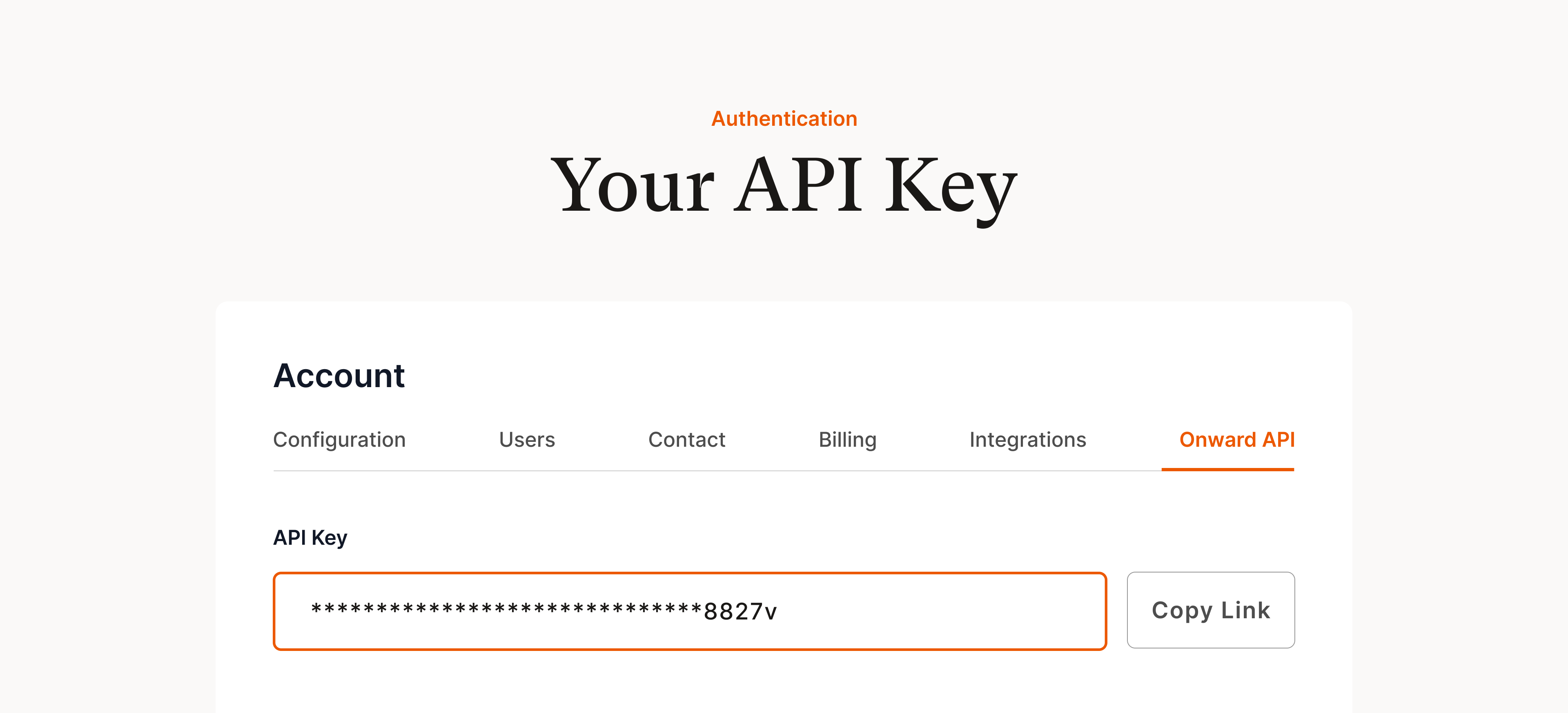
This API key is a secret and should only be used for server-to-server communication.
curl --request POST \
     --url https://app.useonward.com/api/v1/orders \
     --header 'X-API-Key: YOUR_API_KEY_HERE' \
     ...
Replace YOUR_API_KEY_HERE with your actual key.
See Testing for information about Test API Keys.